Kiosk ordering
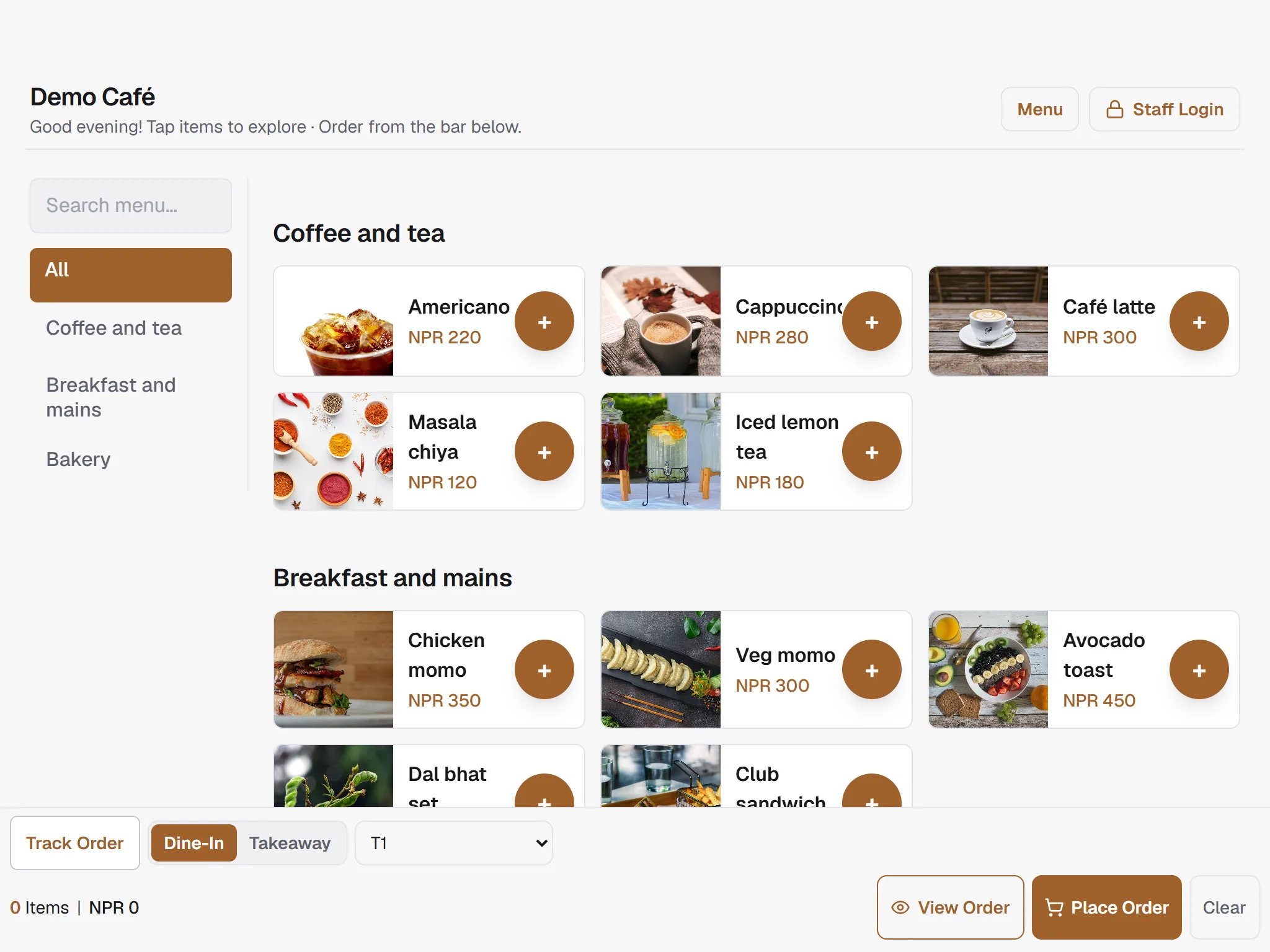
Guests browse and send tickets from a tablet you already own.
- Dine-in or takeaway, table picked on the kiosk
- Shows your own payment QR with the amount
- Runs on a tablet or phone you already own
Soft open, this site is still in the kitchen. Expect a few unfinished plates.Send feedback
POS, kitchen display and self-order kiosk on the phones, tablets and PCs you already own. Free for one location.
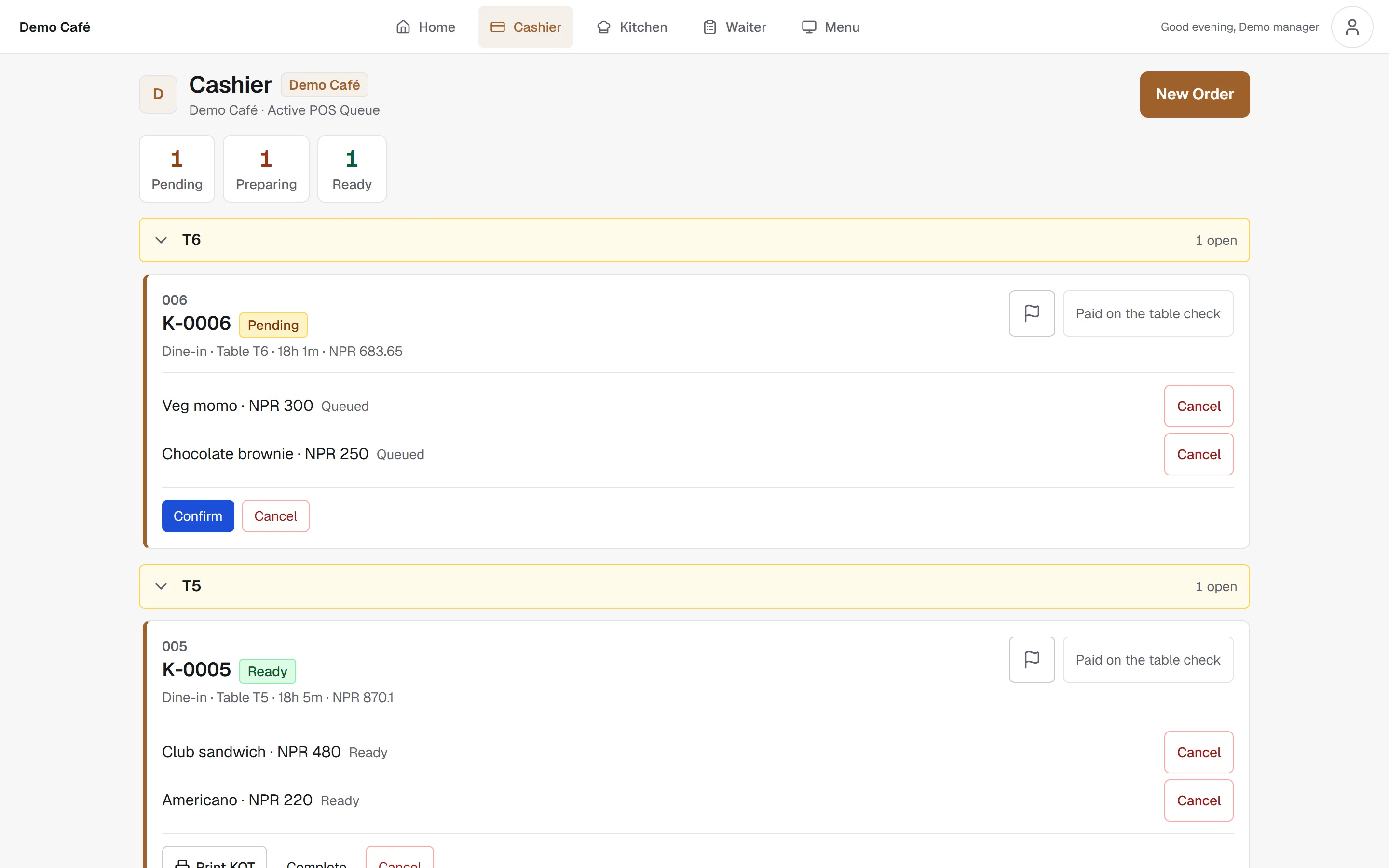
Cashier. Every open order and bill in one live queue, from confirm to paid.
Open the demo as Kiosk, Waiter POS, Cashier, Kitchen display. Read-only, reset every night.
Running live in Kathmandu at


Kiosk, floor, kitchen and menu work on their own or together, on the devices you already have.
Guests browse and send tickets from a tablet you already own.
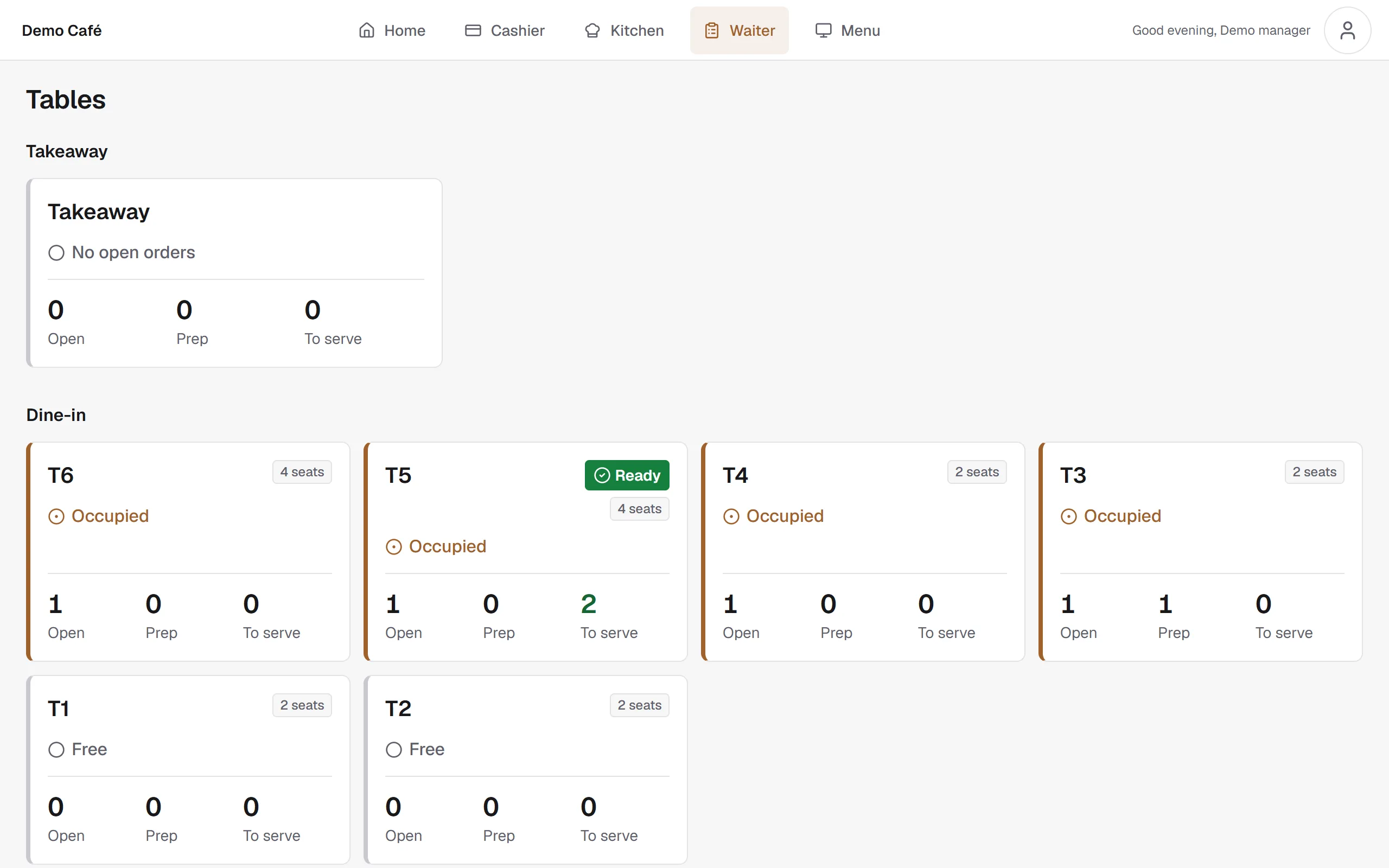
Cashier and waiter stay on the same live tables, tabs, and payments.
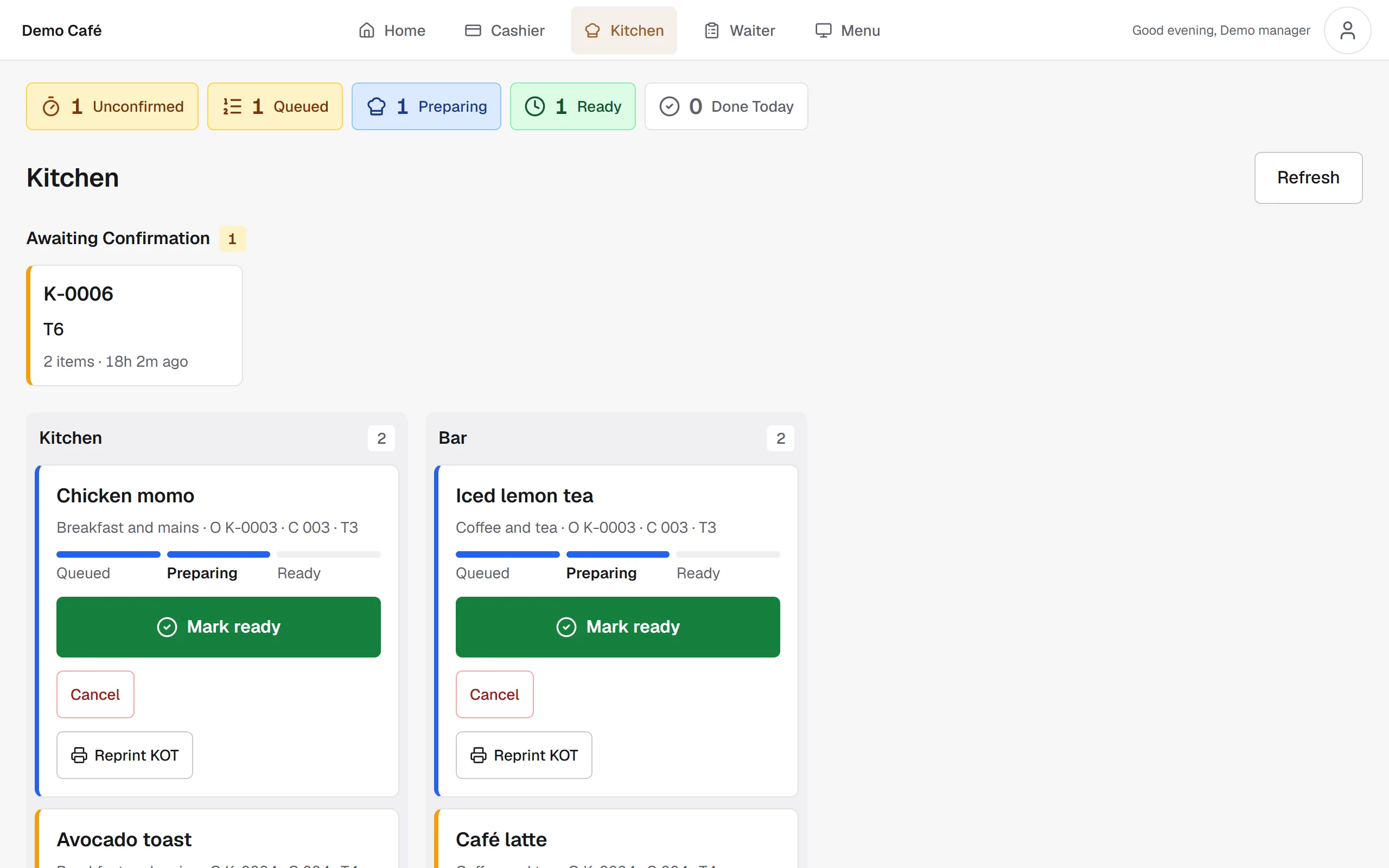
Item-level prep from ticket to pass. Any screen in the kitchen.
Price, photo, and availability: update once, every surface follows.
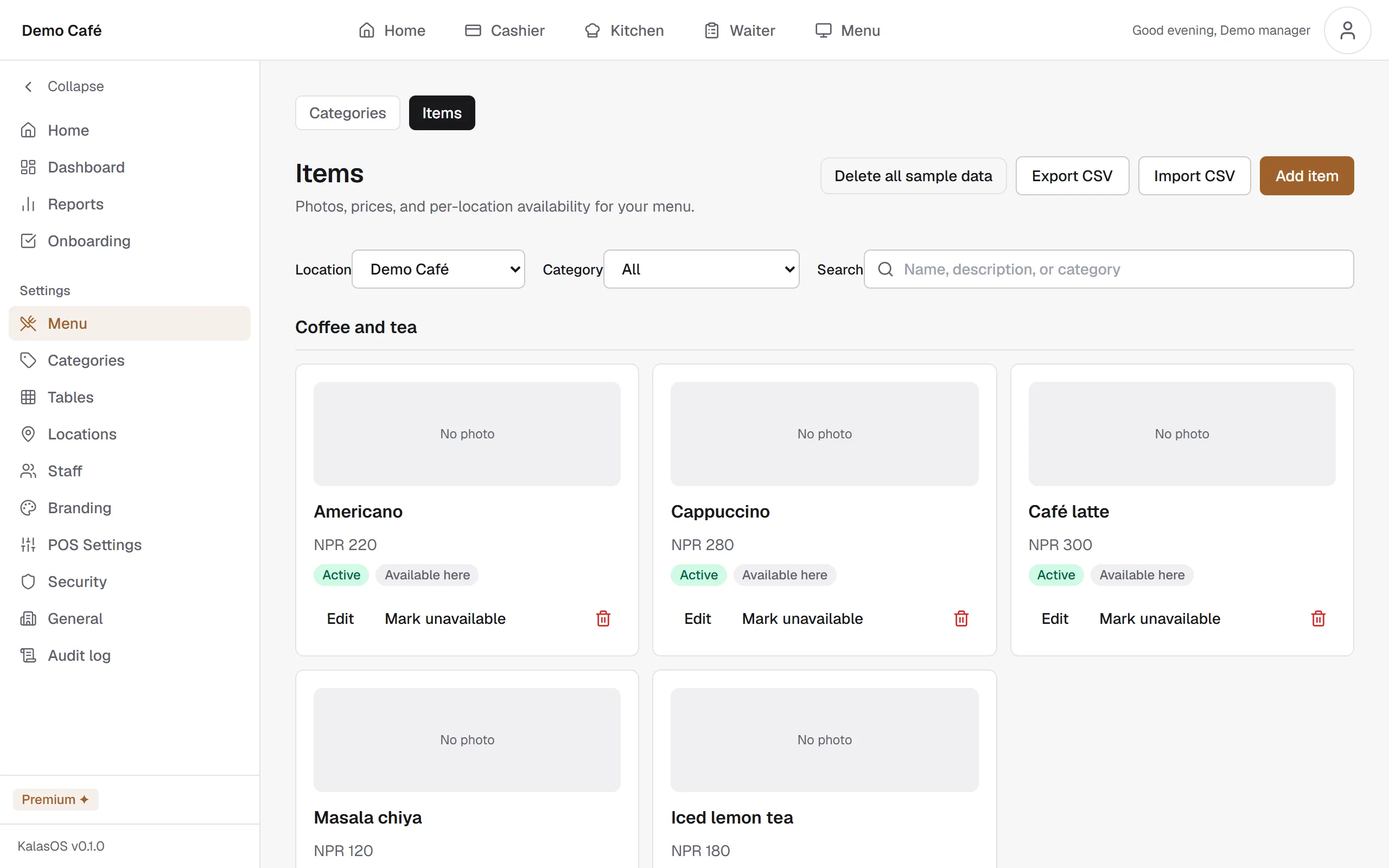
Onboard once. Then every ticket from kiosk, kitchen, floor and counter stays on the same order stream.
Sign up, upload your logo, and add your location. Your admin dashboard is ready in minutes.
Add categories, items, prices, and photos. Change once — kiosk and POS follow automatically.
Map your floor plan and invite cashier, waiter, and kitchen roles to the same account.
Open kiosk and cashier — your room is ready for the first guest.
Kiosk for dine-in or takeaway on a tablet or phone you already own.
Tickets land on the kitchen display item by item — from fire to pass.
Waiter and cashier share live tables and tabs, then settle when the guest is ready.
86 an item or change a price once. Every surface updates together.
Runs in the browser on devices you already own.
Use what's in your pocket
Take orders on a phone you already own.
Add a tablet when you're ready
Put a tablet at the counter or table for a bigger screen. Same account.
Run the full dashboard on desktop
Manage orders, menu and staff from a laptop or PC browser. Nothing to install.
Needs an internet connection
Kiosk, waiter, cashier and kitchen screens all need a connection. Keep a mobile hotspot as backup.
| Item | Status | Details |
|---|---|---|
| Internet connection | Required | Every screen needs one. A mobile hotspot works as backup. |
| Phone, tablet or PC | Required | Any device with a recent version of Chrome, Edge, Firefox or Safari. |
| Printer | Optional | Bills and kitchen tickets open as PDFs sized for 80 mm or 58 mm receipt paper. Print them from the browser's print dialog. |
| Card terminal | Not supported | Guests pay cash or scan your own payment QR on screen; staff record the payment. |
| Cash drawer | Not supported | No cash drawer connection. |
| Direct thermal printing (ESC/POS) | Not supported | Printing goes through the browser, not a printer driver. |
Start on Starter with no card. Move to Growth or Premium when you add locations or need a custom domain.
Free
Email support, best effort
Start freeUSD 150/year (USD 12.50/month)
NPR 15,000/year (NPR 1,250/month)
Priority support: email and phone, Sun to Fri 10:00 to 18:00 NPT, reply within 1 business day
Start with GrowthUSD 250/year (USD 20.83/month)
NPR 25,000/year (NPR 2,083/month)
Priority support: email and phone, Sun to Fri 10:00 to 18:00 NPT, reply within 1 business day
Start with PremiumSign up free, add your menu and open the kiosk on a tablet you already own. Questions about onboarding? We reply from contact@kalasos.com.